Construction change order software
Rework, client disputes and lost profit don’t have to be the norm
Buildertrend’s Change Orders tool gives builders a single, streamlined system to document scope changes, capture real costs and get owner approval before work moves forward. Every change is clearly recorded and instantly communicated to the entire team – including subs – so everyone stays aligned on expectations.

Successful builders trust Buildertrend’s Change Orders tool




One source of truth for every change, cost and approval
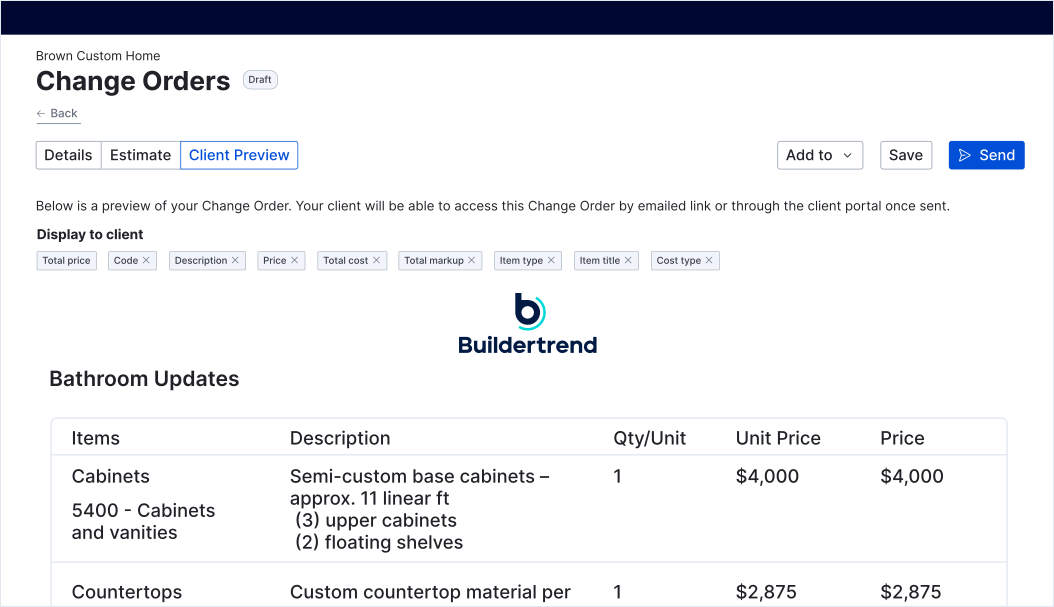
Eliminate disputes before they get messy
- Document every scope change with clear descriptions, pricing and supporting details.
- Capture client approvals digitally, so there’s no confusion about what was agreed to and when.
- Create a permanent system of record that protects you if questions come up later.
- Send change orders as they happen – not weeks later – so clients understand costs in real time.
Stop losing profit on small changes that add up fast
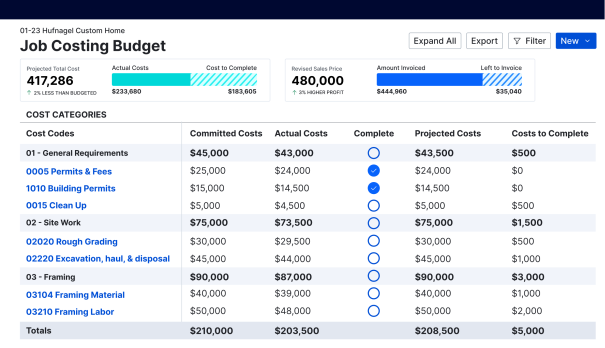
- Automatically update project budgets and job costs as change orders are approved.
- Make the true financial impact of each change visible before work begins.
- Avoid eating costs caused by verbal agreements, missed details or delayed billing.
- Keep margins intact by turning every approved change into a billable item.
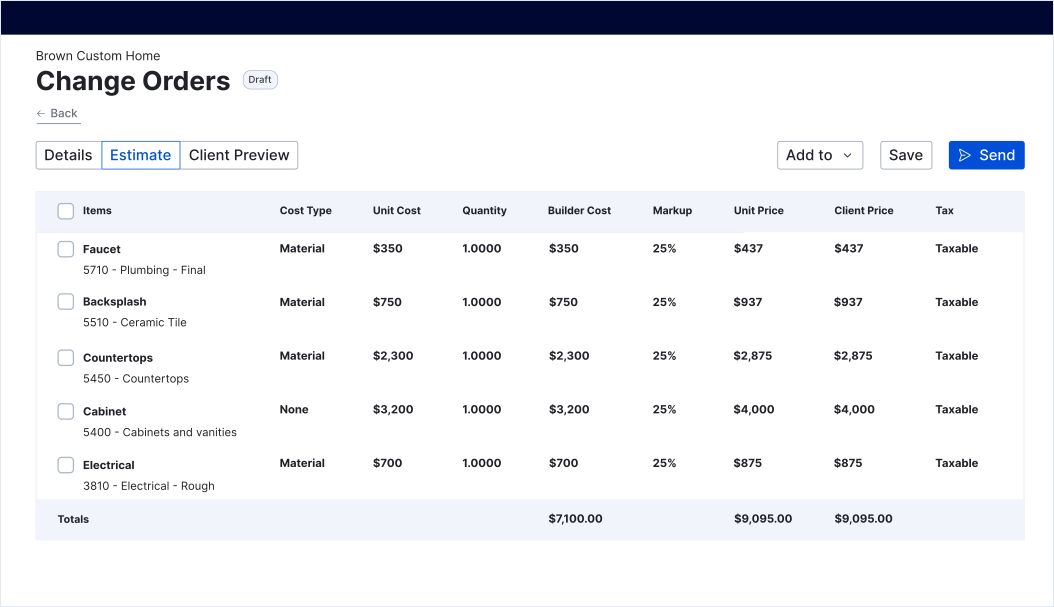
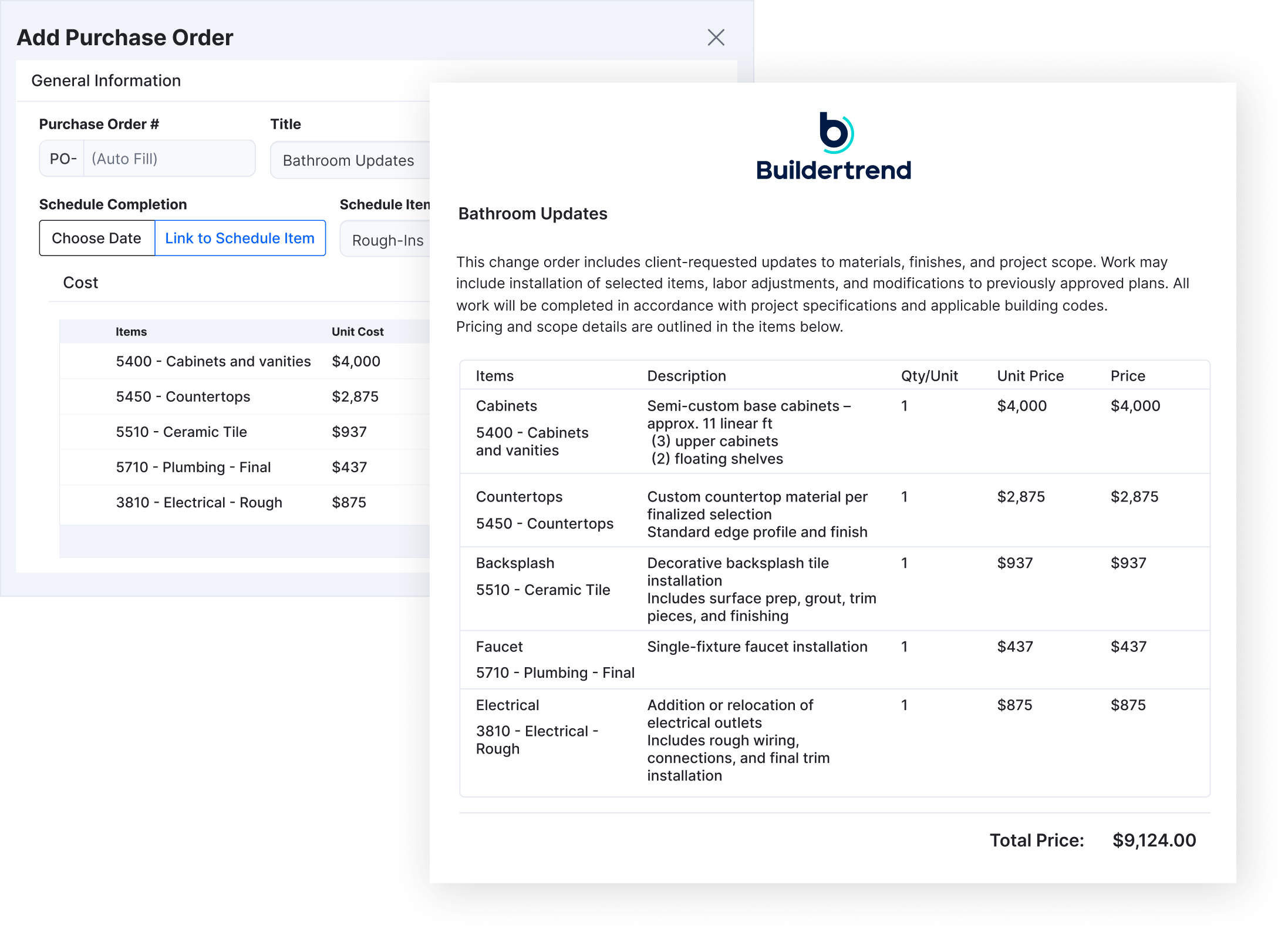
Keep change orders connected to the rest of your project
- Instantly share approved changes with your team, subs and clients.
- Keep everyone working from the same up-to-date scope, plans and expectations.
- Reduce rework by ensuring subs always have the latest information before they start.
- Tie change orders directly into purchase orders, schedules and invoices – no silos.
Real results from top builders
0
+
Hours saved per week on financial management
$
0
k+
Saved per year in missed costs
0
%
Faster approvals on change orders
Never miss another change order
See how Buildertrend helps centralize your change orders, so adjustments in scope and budget are always tracked and accounted for. Say goodbye to lost text threads, never-ending email chains and clunky spreadsheets. Now, every change is approved – and your margins are protected – in one place.

Features built for busy builders
| Buildertrend feature | What it does |
|---|---|
| Flexible cost entry | Add a simple flat fee or fully itemize costs using cost codes, unit cost, quantity and markup. Use the same cost codes across your budget for consistent job costing. |
| Cost Catalog integration | Pull items directly from your Cost Catalog to quickly build detailed, repeatable change orders without re-entering pricing. |
| Attachments | Add photos, plans, samples or other files, so everyone understands the change. No guesswork, no missing context. |
| Digital signatures | Capture internal or client signatures at any stage to keep change orders moving forward and formally documented. |
| Notes and comments | Keep notes, questions, clarifications and decisions tied directly to the change order instead of scattered across texts and emails. |
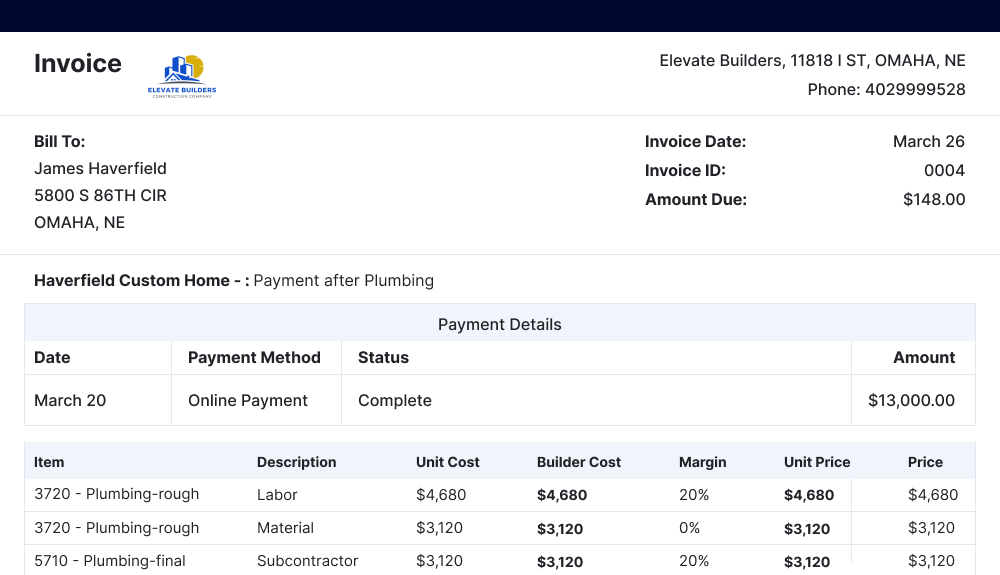
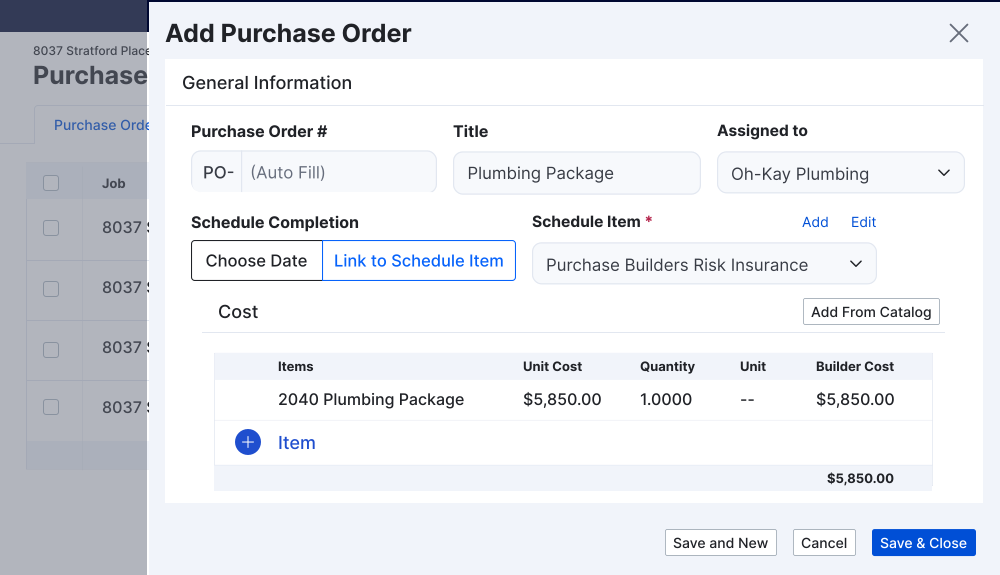
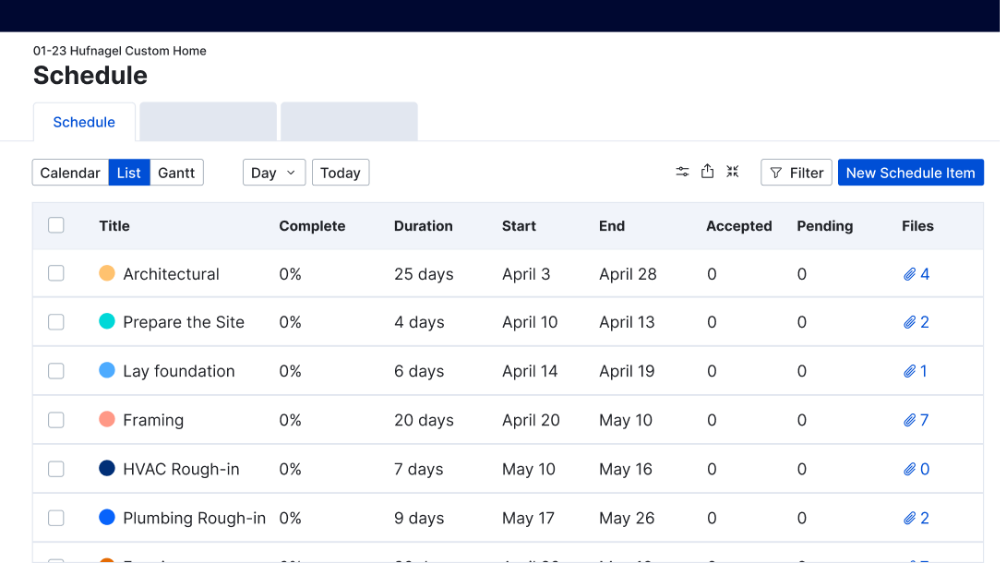
| Connectivity across tools | Seamless connections to bids, purchase orders, invoicing and scheduling. Every step stays linked to the original change, giving you more control across the entire project. |
See how top builders use Change Orders with confidence
Smart change orders – integrated to save you time
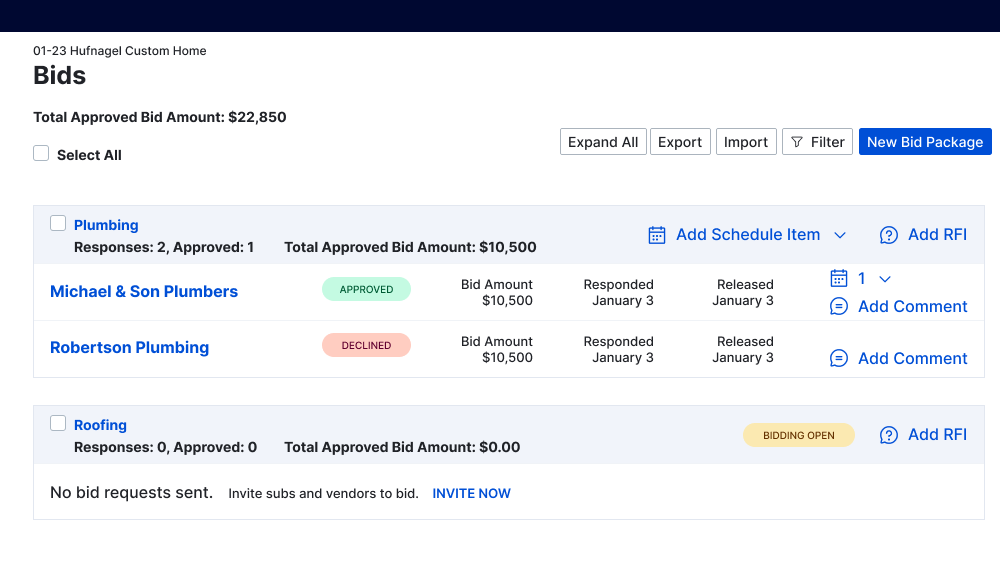
From scope change to signed approval, keep projects moving
FAQs about Buildertrend’s construction change order software
A change order in Buildertrend is a documented update to the original project scope, cost or schedule. It allows builders to clearly define what’s changing, how much it costs and who needs to approve it – so everyone stays aligned and protected as the project evolves.
Buildertrend creates a clear, time-stamped record of every change, including pricing, attachments, notes and digital approvals. Owners can review and sign change orders before work begins, eliminating misunderstandings and reducing disputes over scope or cost later in the project.
Yes. Approved change orders automatically connect to your budget and job costing using the same cost codes you use throughout Buildertrend. This gives you real-time visibility into how changes impact profitability and helps ensure no added work goes unbilled.
Change orders can be shared with clients, subcontractors and vendors directly in Buildertrend. Each audience sees only what’s relevant to them and receives notifications when changes affect their scope, keeping communication clear and reducing rework.
Buildertrend allows you to create bids, purchase orders, owner invoices and schedule items directly from a change order. Everything stays linked, so changes flow seamlessly from approval to execution to payment – without duplicate entry or lost details.
Schedule a demo
Set aside 30 minutes to chat with a friendly Buildertrend rep and discover firsthand how our platform can improve your business – and transform the way you work.

Based on 5,000 reviews on



Tell us a bit about yourself
By submitting this form, you are agreeing to our Terms and Conditions Agreement and Privacy Notice. This site is protected by Google reCAPTCHA
Unlock to get a virtual tour
Based on 5,000 reviews on
Tell us a bit about yourself
By submitting this form, you are agreeing to our Terms and Conditions Agreement and Privacy Notice. This site is protected by Google reCAPTCHA