



Buildertrend product updates
Better software for bettering your business
You rely on our software to run a successful construction business. And that’s why we’re constantly making changes to our features and processes to help you work simpler. Check out some of our most recent updates.
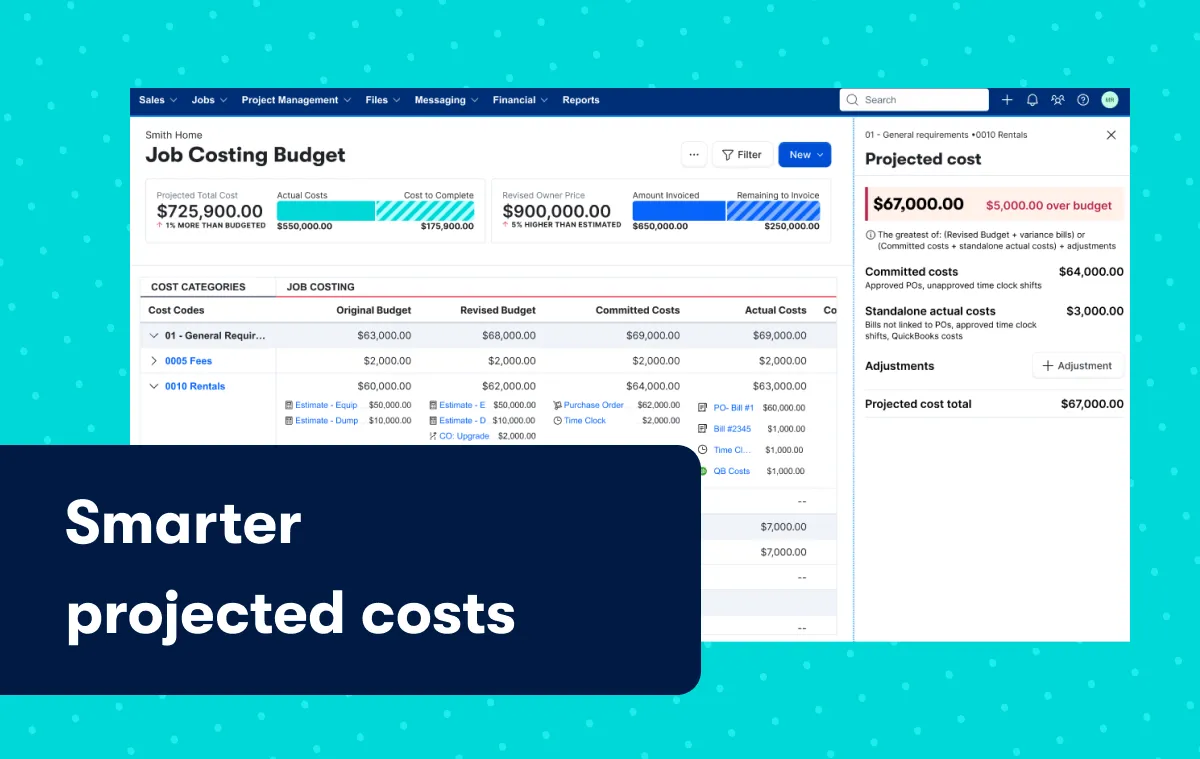
Smarter projected costs
Experience an improved calculation method within the Job Costing Budget that provides a more accurate forecast of a job’s total cost exposure. This helps you identify risk sooner and forecast with greater confidence. Instead of separating different commitments across multiple columns, Projected Costs now aggregates them into a single projection. This helps surface potential budget exposure earlier so builders can respond sooner.
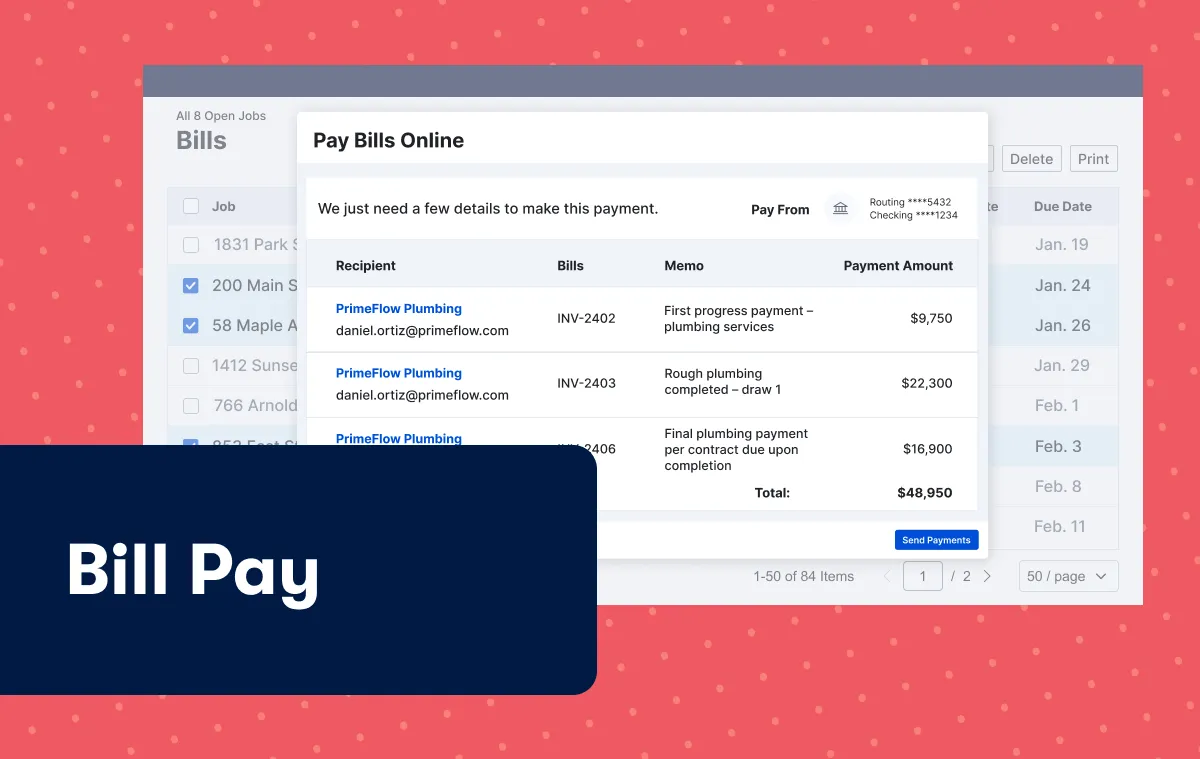
Bill pay
With Bill Pay and secure ACH payments built directly into Buildertrend, you can quickly review, approve and send payments in one place while keeping your team and vendors aligned. Know what’s been paid and what’s outstanding – so you stay in control of your cash flow.
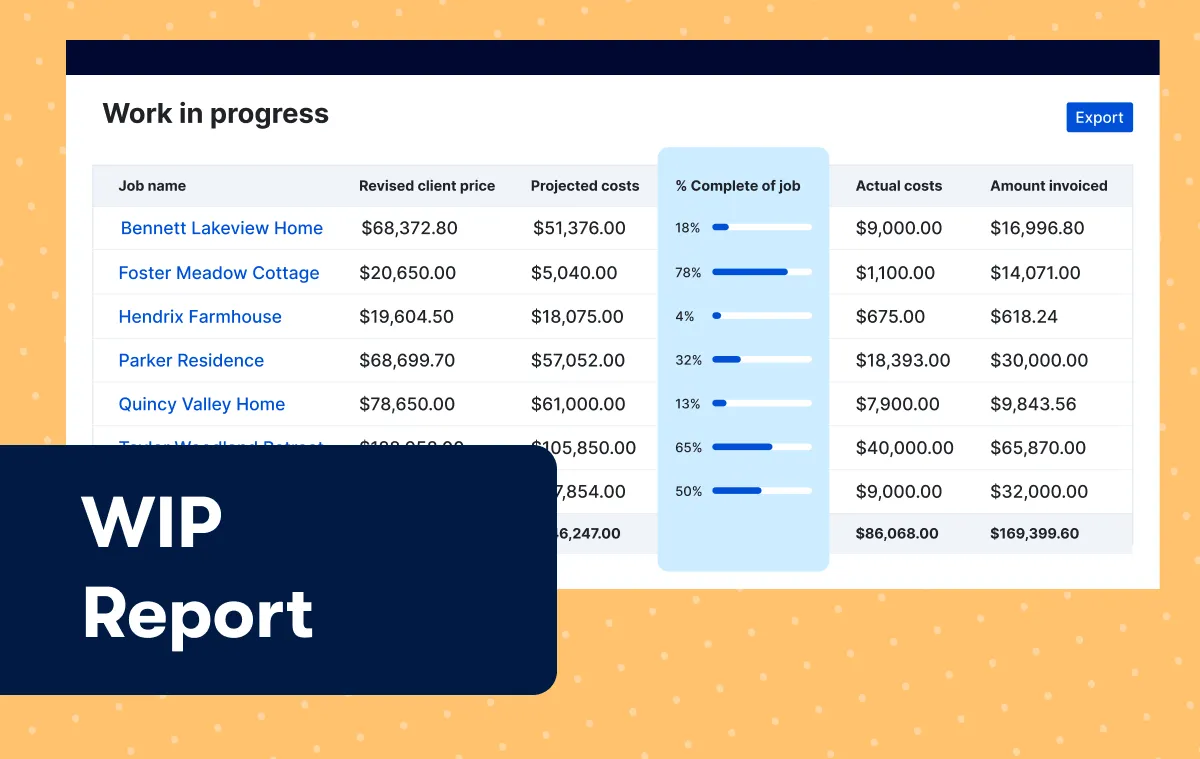
WIP report
The updated WIP report provides insight to percent complete, earned revenue and over/under billing by job, helping you bill accurately, recognize revenue properly and track profit earned against actual progress.
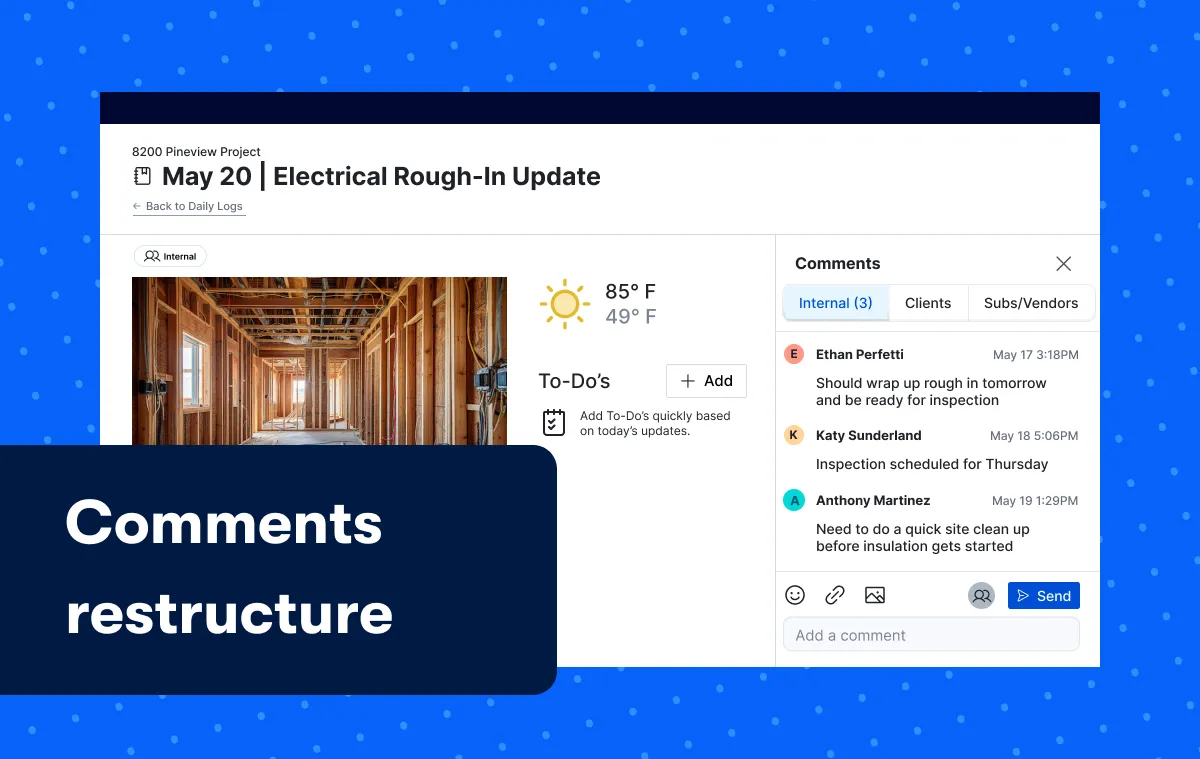
Comments restructure
The Comments button and conversation threads have been repositioned for consistency – no matter where you are in the platform – ensuring critical information isn’t missed. Plus, feel confident knowing you’re talking to the right people in the right context with three distinct channels clearly labeled for Internal, Client and Sub/Vendor communication.
Improved annotations and file markups
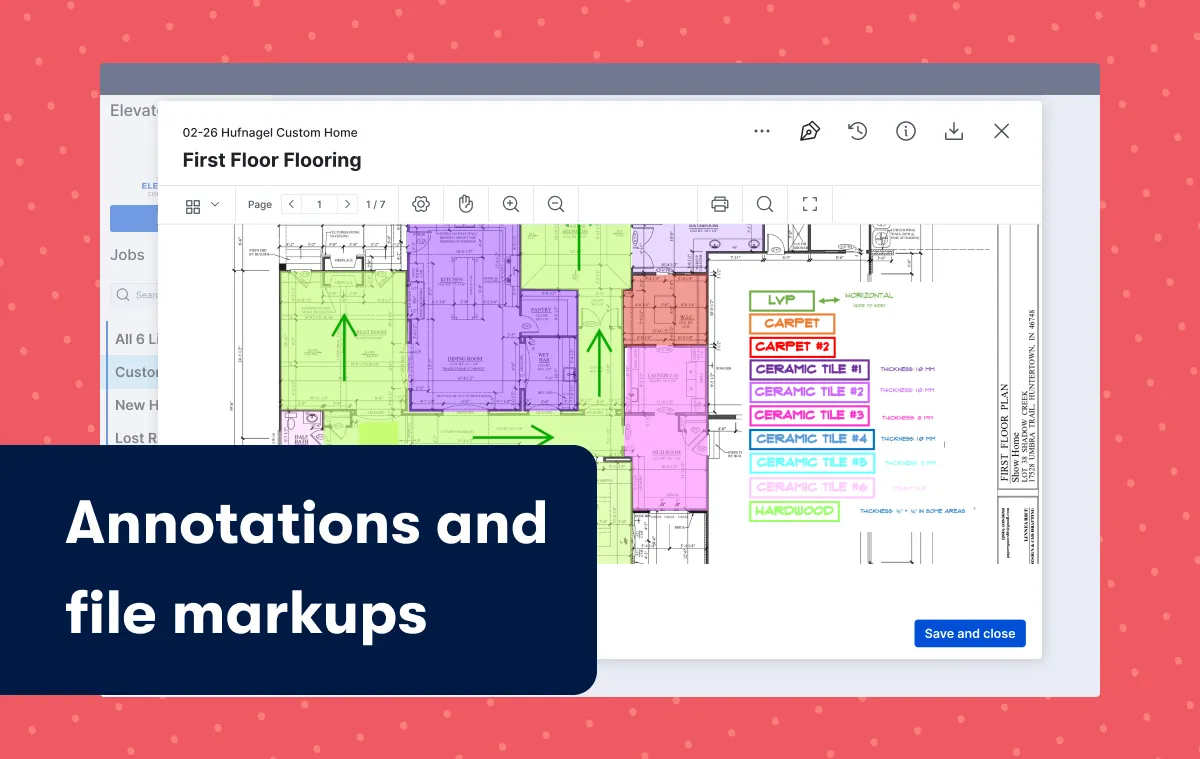
We’ve introduced more advanced annotation tools directly in the file viewer. You’ll find new ways to markup documents including expanded shapes, colors, stamps and more to communicate updates or changes to your team and clients. These new tools make file management easier by reducing navigation and tracking changes in Version History.
Dynamic file management
Effective collaboration means ensuring everyone has the same information. With our dynamic file management experience, as changes are made on the fly, you can ensure updates are captured in real time for easily reference. You’ll have quick access to version history and can see where files are referenced throughout a project so everyone’s on the same page.

Folder QR codes
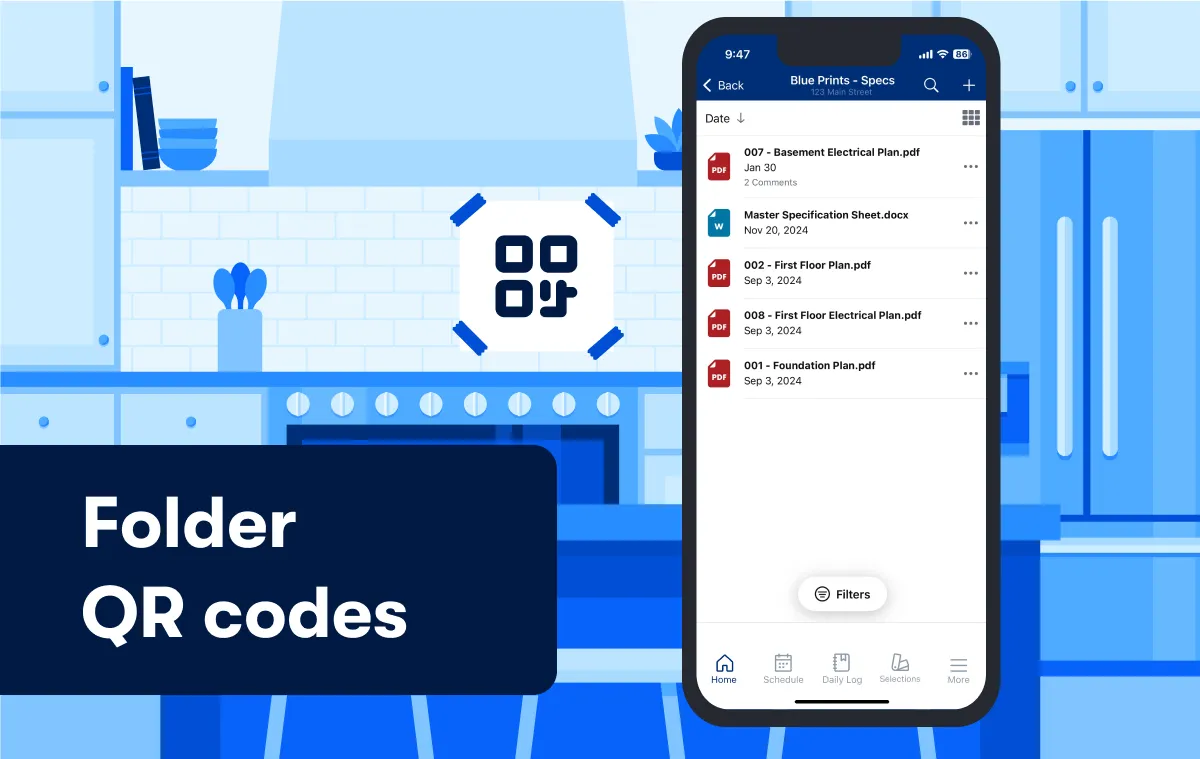
Share QR codes that link directly to project document folders with other internal users, subcontractors and clients, so they can access multiple files with ease.
Display Optional Scopes of Work
You can now more clearly define the base scope of work plus any additional upgrades or optional scopes of work both on the estimate worksheet and directly on the client facing proposal. Your clients can favorite options to understand the price impacts before approving or declining directly on their proposal to determine the final scope of the job.
