



Best construction software: The 2026 builder’s guide
Real evaluations. No guesswork. Just the software that fits how you build.
Bad software slows down good crews. We put the leading construction management platforms to the test on the features that matter most: project management, collaboration, reporting, automation, integrations, scalability, AI and value. Here’s how they stack up.
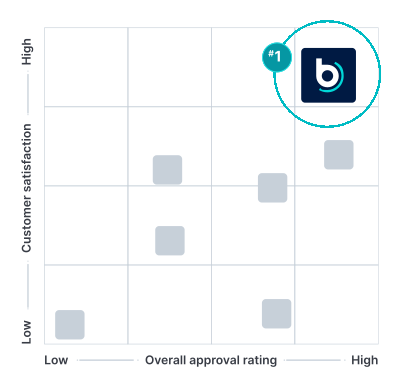
Our top picks for construction platforms
Buildertrend
Best construction software
All-in-one platform built to scale with growing builders.
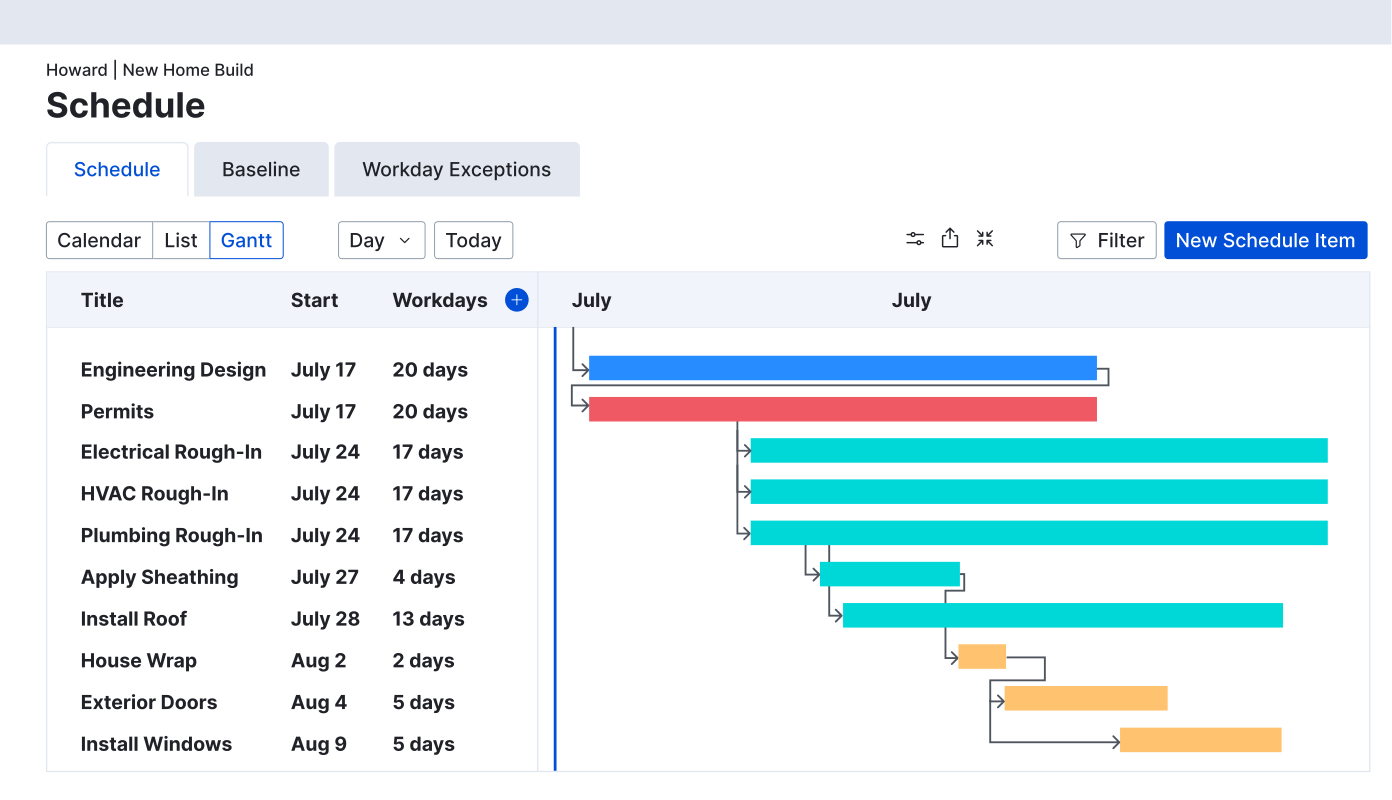
JobTread
Best budget-friendly
Lean estimating and job tracking at an affordable price.
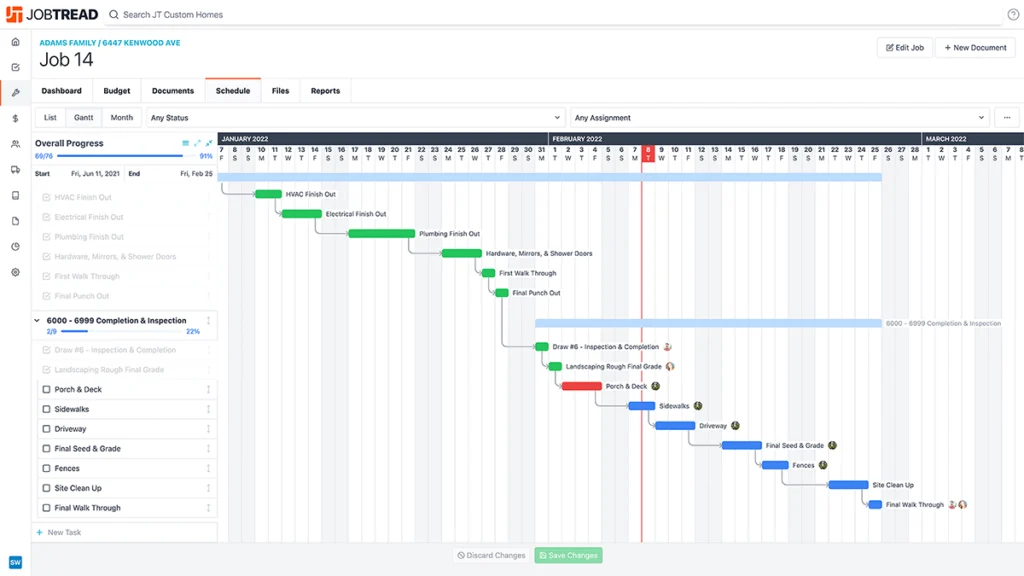
Procore
Best enterprise commercial
Built for large-scale projects and complex stakeholder coordination.
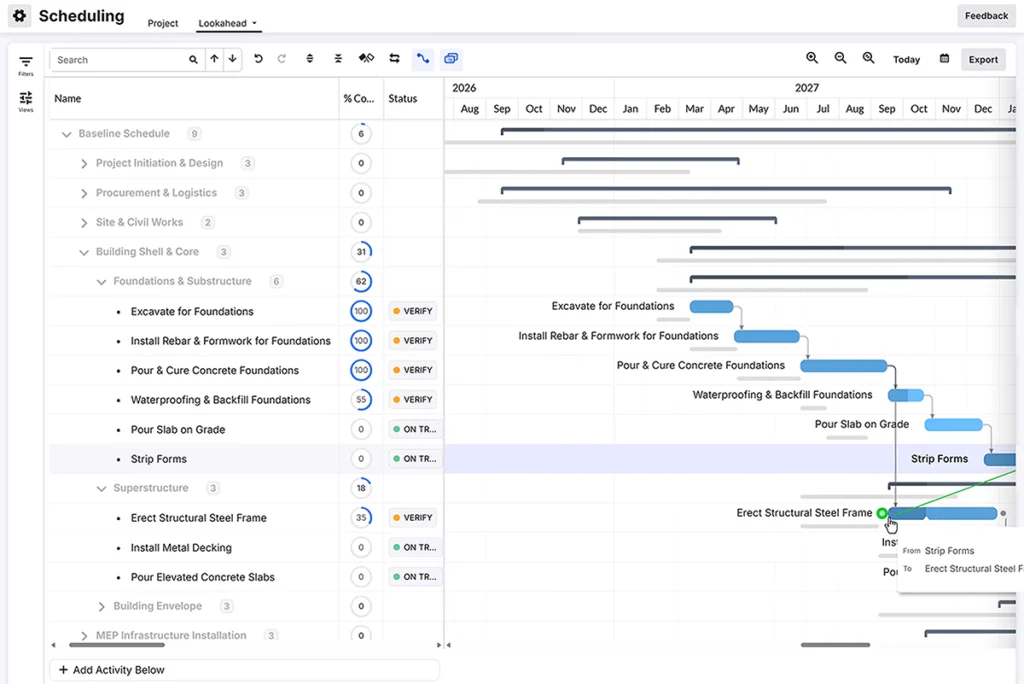
Platform comparison at a glance
| Company | Best for … | Pricing model | Explore further |
|---|---|---|---|
 | Custom home builders, premium remodelers, luxury specialty contractors and light commercial teams ready to scale with advanced workflows, unlimited users and connected operations. | One price includes unlimited users, features and support | |
 | Smaller or budget-conscious teams handling straightforward projects with core estimating and job tracking needs. | Flexible pricing and pay-per-user models | |
 | Large commercial construction firms managing enterprise-scale projects with complex stakeholder coordination and dedicated implementation and IT resources. | Custom enterprise pricing based on products, users and business needs | |
 | Home design and renovation pros looking to manage projects, showcase work and attract new clients through 3D visualization and the Houzz platform. | Tiered, subscription-based pricing | |
 | Construction companies of all types looking for basic project and financial management tools to improve collaboration and streamline workflows. | Tiered, per-user subscription model | |
 | Small to mid-sized contractors and trade businesses looking for straightforward project workflows and core construction management tools. | Tiered subscription plans based on the number of users and features | |
 | Contractors who need real-time job site photo documentation, annotations and team collaboration to track project progress. | Tiered subscription based on seat bundles and features | |
 | Small to mid-size construction businesses who need easy-to-use scheduling, budget management and document storage to coordinate projects from start to finish. | Tiered, flat-rate subscription based on team size and billing frequency |
In-depth comparison of top construction software
BuildBook
Best for simple client communication
Key features:
Task tracking, scheduling, client communication hub, budget management, document storage, real-time project updates
Integrations:
Limited native integrations
BuildBook is a project management platform built for small to mid-size residential builders and remodelers. It centralizes scheduling, budgeting, document storage and client communication in one easy-to-use system. The platform emphasizes simplicity for teams that prioritize ease of use over deep customization.
Pros:
- Intuitive, easy-to-learn interface
- Strong client communication features
- Responsive customer support
- Affordable for smaller teams
Cons:
- No dedicated estimating feature
- Limited third-party integrations
- Customization options are limited
- Initial account setup can be tricky

CompanyCam
Best for photo documentation
Key features:
GPS-tagged photo documentation, before-and-after comparisons, photo annotations and tagging, project timelines, AI-generated job reports
Integrations:
QuickBooks, JobNimbus, AccuLynx, Zapier, Salesforce
CompanyCam is a mobile-first app built for job site photo documentation. It captures, organizes and shares GPS-tagged photos in real time to create a visual project record. The platform focuses solely on documentation rather than full project or financial management.
Pros:
- Unlimited photo and video storage
- Automatic GPS tagging by project
- Wide integration ecosystem with CRMs
- Strong mobile app experience
Cons:
- Photo documentation only, no PM tools
- No built-in estimating or invoicing
- Heavy photo use drains mobile data
- Limited offline function in some areas
Contractor Foreman
Best value for small contractors
Key features:
Gantt chart scheduling, job costing, estimating, GPS time tracking, daily logs, RFIs, crew and safety management
Integrations:
QuickBooks, Zapier, Gusto, CompanyCam, Google Calendar
Contractor Foreman is a cloud-based platform packing more than 50 tools into one affordable system. It covers scheduling, job costing, crew management and document storage for contractors of all sizes. The platform is positioned as a lower-cost alternative to enterprise-level construction software.
Pros:
- More than 50 tools included
- Affordable, unlimited-user pricing
- QuickBooks and Zapier integrations
- Free training videos included
Cons:
- Interface can feel outdated
- Setup requires configuring many details
- Limited depth for complex projects
- Fewer advanced business management features
Buildern
Best for growing multi-trade businesses
Key features:
Estimating, proposals, scheduling, budgeting, job costing, document management, subcontractor and purchase order management
Integrations:
QuickBooks, Xero
Buildern is a cloud-based platform designed to manage projects, finances and communication for construction companies. It offers scheduling, budgeting, task tracking and document management in one system. The platform serves residential builders, commercial contractors and remodelers with adaptable workflows.
Pros:
- Centralized sub and vendor management
- QuickBooks and Xero integrations
- Flexible for multiple contractor types
- Regular updates based on user feedback
Cons:
- Smaller feature set than full-suite platforms
- Mobile app functionality still developing
- Fewer advanced business management tools
- Newer platform with a growing track record
Houzz Pro
Best for marketing and design
Key features:
3D floor plans, takeoffs, CRM, estimates, invoicing, scheduling, daily logs, marketing tools, website builder
Integrations:
QuickBooks Online, Gmail, Microsoft 365, Stripe, Zapier
Houzz Pro is a business platform built for home design and renovation professionals. It combines project management, client communication and financial tools with 3D visualization and marketing features. Users also get access to the Houzz lead network for new client opportunities.
Pros:
- Built-in 3D visualization and takeoffs
- Access to the Houzz client network
- Combines marketing with project tools
- Useful for design-focused workflows
Cons:
- Limited integrations outside Houzz ecosystem
- Support response times vary by plan
- Basic job costing capabilities
- Premium features tied to higher tiers
Procore
Best for large commercial projects
Key features:
Project management, drawing and document management, RFIs, submittals, quality and safety tracking, budgeting, change orders
Integrations:
QuickBooks Desktop, Sage 300, Microsoft Project, Primavera P6, DocuSign and more than 90 marketplace integrations
Procore is an enterprise-grade platform built for large commercial projects with many stakeholders. It centralizes project management, financials, quality and safety data in one system. Pricing is based on annual construction volume rather than user count.
Pros:
- Deep enterprise project management tools
- Extensive third-party integration marketplace
- Strong quality and safety compliance
- Scales across multiple large projects
Cons:
- Built for large commercial operations
- Pricing scales with construction volume
- Requires dedicated IT resources
- No dedicated homeowner client portal
JobTread
Best for budget-first estimating
Key features:
Estimating, proposals, job costing, budgeting, purchase orders, invoicing, client portal
Integrations:
QuickBooks Online, Stripe, Slack, Zapier
JobTread is a cloud-based platform built around budgeting, estimating and job tracking for small to mid-sized contractors. It centralizes sales, budgets, purchase orders and client communication in one system. The company positions it as a more affordable alternative to enterprise platforms.
Pros:
- Budget-first estimating and job costing
- Reusable templates speed up estimates
- Connects budget, schedule and files
- QuickBooks and Zapier integrations included
Cons:
- Limited depth for complex operations
- Fewer advanced business management tools
- Costs can rise as teams grow
- Integration depth varies by workflow
Buildertrend
Best overall
Key features:
Estimating, budgeting, job costing, change orders, client portal, project scheduling, task management, document management, lead and CRM tools
Integrations:
QuickBooks, Xero, Sage Intacct, HubSpot, Salesforce, Gusto, Pipedrive, Bluebeam
Buildertrend is an all-in-one construction management platform built for home builders, remodelers, specialty and commercial contractors. It centralizes scheduling, budgeting, client communication and job documentation in a single system. The platform is designed to scale from small remodeling jobs to multimillion-dollar builds with unlimited users.
Pros:
- Centralizes projects, financials and communication
- Strong client portal for approvals
- Unlimited training and 24/7 support
- Scales from small jobs to large builds
Cons:
- Learning curve for new users
- Pricing may feel high for small teams
- Feature depth can feel overwhelming at first
- Rare slowdowns with large photo volumes
Frequently asked questions
Common signs that you’ve outgrown your current software include hitting user limits, relying on spreadsheets or side tools to fill feature gaps, struggling to keep clients updated across multiple projects and lacking the reporting needed to make confident business decisions. If your software can’t keep pace with your project volume, it’s time to look at a platform built to scale.
To choose the right construction software for your business, start by identifying your core needs: project management, client communication, financials or all three. Then compare software based on ease of use, scalability, integrations and value to find the platform that fits how your team actually works.
The best construction software depends on your business size and needs. Buildertrend is the top overall choice for custom home builders, high-end remodelers, specialty contractors and light commercial contractors while platforms like Procore serve large commercial firms and Houzz Pro focuses on design-driven businesses.
Buildertrend supports high-volume, high-revenue construction businesses across residential and commercial work. That includes custom home builders, premium remodelers, luxury specialty contractors like pool installers and outdoor living specialists, and light commercial contractors handling office, retail and tenant improvement projects.
Yes. Buildertrend’s AI is built directly into the platform, not a separate tool or add-on. It handles tasks like drafting client updates, extracting bill details and organizing specifications and plan sets, so teams spend less time on manual data entry and more time running the job.