




Construction estimating software
Professional estimates that impress and convert

By submitting this form, you are agreeing to our Terms and Conditions Agreement and Privacy Notice. This site is protected by Google reCAPTCHA
Receive our free guide to better estimating when you book a demo.
Trusted by builders. Recognized by the industry. Top 100 software companies.




“The problem with estimating is it takes too long and still isn’t accurate.”
Agreed.
That’s why our construction management platform lets you pull real costs from bids, reuse templates and generate estimates that sync with the rest of your job. No more double entry. No more costly guesswork. Just fast, reliable numbers that help you win work and protect your margins.
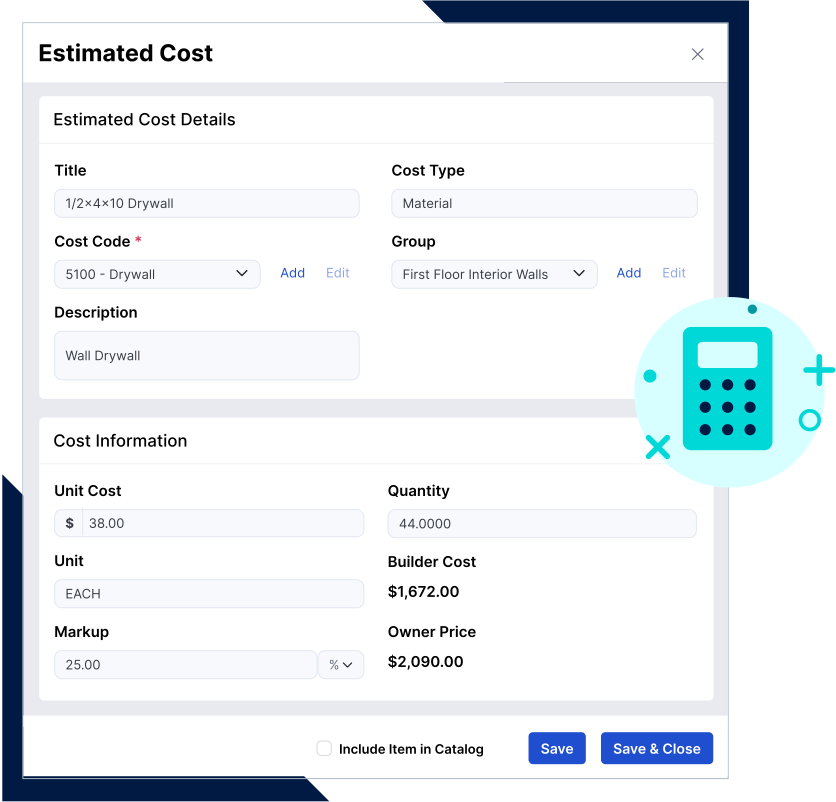
What sets our Estimate tool apart from the rest
One system. One workflow. Zero headaches.
Say goodbye to jumping between tools. The Estimate is fully integrated into your project workflow – from proposal to bid to budget. Use your own cost codes, generate client-ready proposals and automatically sync estimates to your budget. Everything’s connected, so nothing gets missed.
Save time with customizable templates
No more building estimates from scratch. Start with pre-built templates tailored to your projects, then tweak them to fit the job. Reuse what works and shave hours off your estimating process without sacrificing precision.
Accuracy that protects your profits
Estimating errors eat into your margins. We help you stop the bleeding. Buildertrend combines Takeoff and real-time cost tracking to give you precise numbers faster. Know your true costs, quote with confidence and protect your bottom line from the very first line item.








The industry’s top choice – and it shows
“I’m hooked on estimating now. It’s such a slick program. The bids come in, you click on them – and they get included in an estimate just like that.”

Joe Robertson
Owner of Shelter Solutions
From estimate to completion – it all flows together
Buildertrend’s Estimate tool isn’t a standalone feature – it’s the backbone of your build. From the first bid to the final invoice, every number connects across your workflow. That means less double entry, fewer errors and a seamless experience for your team and your clients.
Step 1: Build your estimate
Start with templates, cost codes and real vendor pricing. Create accurate estimates faster and more confidently than ever before.
Step 2: Send a client-facing proposal
Turn your estimate into a polished, professional proposal in just a few clicks – ready to impress and win the job.
Step 3: Convert to the budget
Once approved, your estimate becomes the budget. No rework, no re-entry – just a smooth transition into job costing.
Step 4: Track actual costs against your budget
Stay on top of profitability with real-time tracking. Compare estimated vs. actual costs as the job progresses.
Step 5: Inform invoicing and change orders
Use your estimate to power accurate invoices, handle change orders and keep your financials airtight through project closeout.


Hassle-free accounting with two-way sync
When your estimating and accounting tools are connected, everything just works. Estimates created in Buildertrend flow directly into your accounting system, eliminating the need to enter numbers twice.
That means fewer errors, cleaner books and a crystal-clear view of your job costs and profitability – from start to finish.
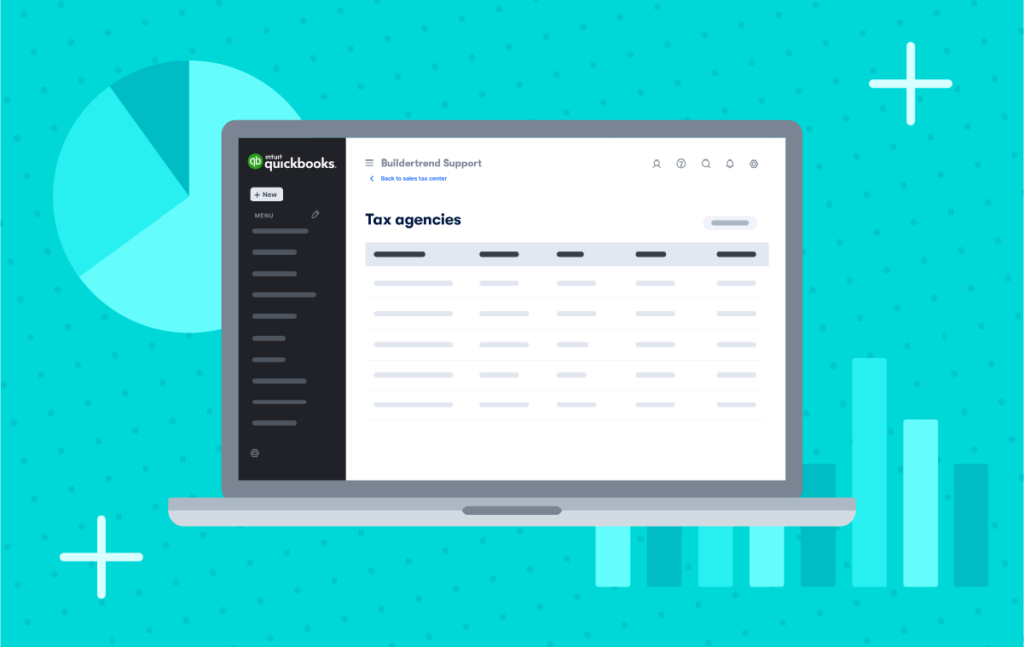

QuickBooks 2-way sync makes managing finances a breeze
“We put our initial estimate into Buildertrend, track every line item, credit card and invoice. All that links to QuickBooks. That gives us the ability for our clients to see how their money is being managed and absolute clarity on what we’re doing.”

Matt Risinger
CEO and Chief Builder at Risinger Build
Frequently asked questions
Yes, you can use Buildertrend to customize estimates for different types of projects. You’ll save hours because of it, too. Whether it’s a kitchen remodel, custom home or addition, you can start with a pre-filled structure, update it for the job and never start from scratch again.
It’s fully integrated into your workflow. Once an estimate is approved, it automatically feeds into your project’s budget. That budget then powers job costing, change orders, purchase orders and even invoicing – all without re-entering the same numbers. It’s one connected system from start to finish.
Absolutely. You can pull real pricing directly from bid requests and your cost catalog. This helps ensure your estimates are based on up-to-date costs – not guesswork – so you can protect your margins and stay competitive.
Yes – it helps you win the job. With just a few clicks, turn your internal estimate into a clean, professional proposal. It’s client-ready, easy to understand and designed to build trust during the sales process.
Yes, Buildertrend Takeoff is a premium service that can be added on to your subscription. Estimates created with Buildertrend Takeoff are more accurate and much faster than when created with manual measurements and calculations. Our takeoff software helps you calculate materials and quantities directly from your plans. That data flows straight into your estimate, giving you more precision in less time – and greater confidence in your numbers.
See for yourself how this historic renovation company used Buildertrend Takeoff to get more organized, create new processes and increase profits.
Stop guessing. Start estimating smarter.
See how Buildertrend’s Estimate tool helps you win more jobs, protect your margins and take control of your numbers – starting with a free demo.